Low-Code/No-Code
Pairfect Design Studio
Pairfect Design Studio

Vignesh
UX UI Designer & Content Writer
Jan 7, 2026
Low-Code vs No-Code: Which Development Approach is Right for Your Business?
Low-Code vs No-Code: Which Development Approach is Right for Your Business?
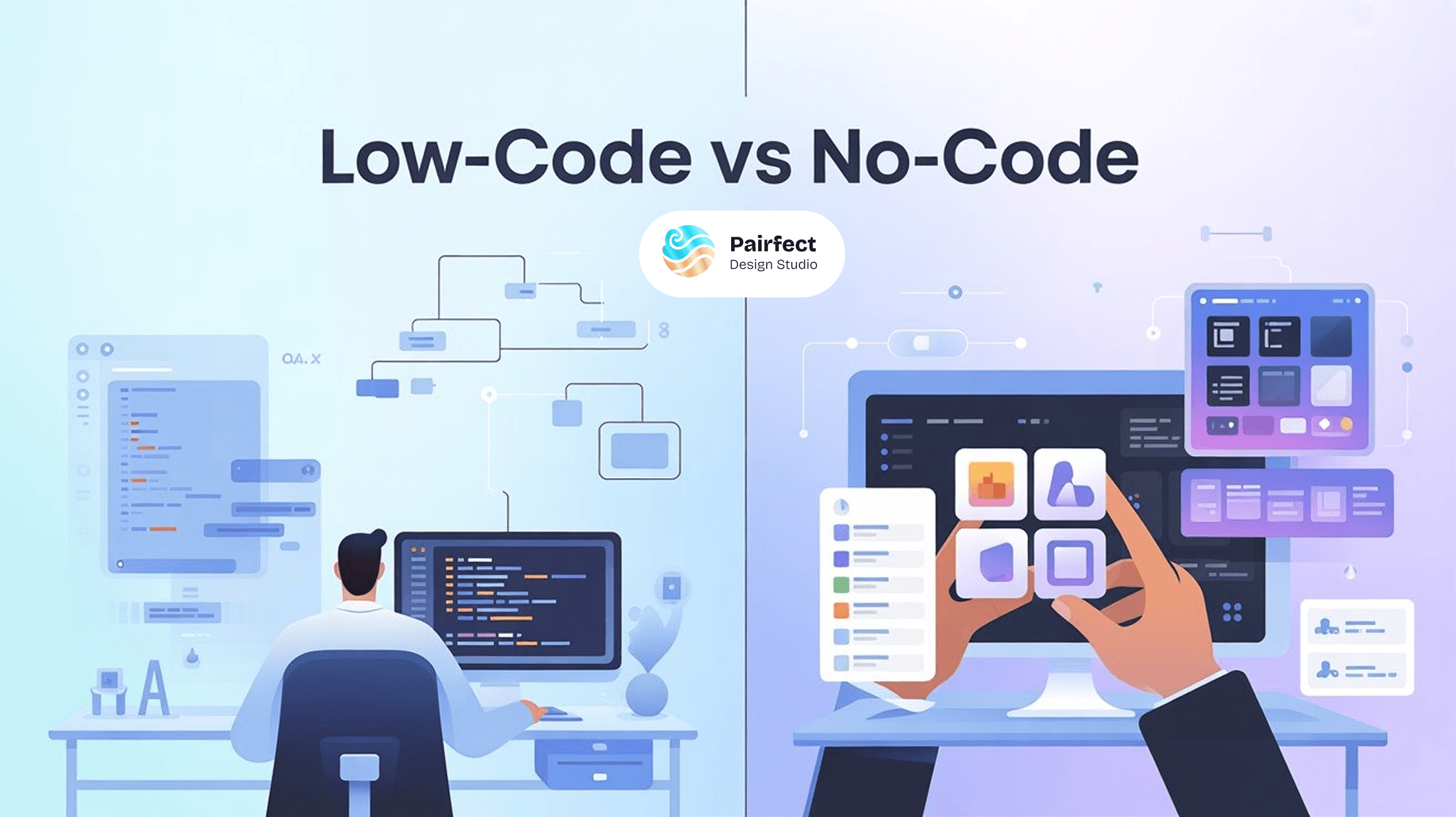
No-code enables fast app creation without technical skills, while low-code supports scalable, enterprise-level development.
Today’s digital world requires customers to get their hands on new products and solutions much faster than ever before. Businesses are under constant pressure to innovate, adapt, and deliver value quickly. Traditional software development methods often take too long and cost too much, making it difficult for organizations to respond to market demands efficiently.
This is where Low-Code vs No-Code development comes into the picture. The introduction of low-code application development and no-code development platforms has created new opportunities for companies that once believed application development was out of reach without a large IT team or extensive budgets.
Today, there are two primary approaches used to build applications: Low Code Development Systems (LCD) and No-Code Development Systems (NCD). While both approaches accelerate development, each has distinct advantages and limitations depending on business needs.
Both low-code vs no-code development models can be compared across several key factors:
Price (Low-code is generally less expensive at scale)
Scalability (Both low-code and no-code platforms are scalable)
Flexibility (No-code offers less flexibility than low-code)
Long-term success (No-code can support long-term success for simpler use cases)
Speed to develop (No-code is often quicker)
Integration capabilities (Low-code and no-code both support integrations, with low-code offering deeper control)
Skill requirements (No-code empowers citizen developers, while low-code requires technical skills)
The goal of this article is to clearly explain the differences between low-code vs no-code, outline their strengths and weaknesses, and help you determine which development approach is right for your organization.
No-Code Development: Understanding the Basics
No-code development platforms allow users to build applications without writing code. Instead of programming, applications are created using visual tools such as drag-and-drop interfaces, prebuilt templates, and configuration panels.
The main purpose of no-code development is to enable non-technical users often referred to as citizen developers to build functional applications quickly and independently.
Key Features of No-Code Development Platforms
Visual development environment
Drag-and-drop interface
Preconfigured business logic and workflows
Ready-made application templates
Little or no technical knowledge required
Fast deployment and quick turnaround time
Because of these features, no-code development platforms are ideal for teams that need fast solutions without relying heavily on IT resources.
Common Use Cases for No-Code Platforms
No-code solutions are commonly used for:
Simple internal tools
Business process automation
Business forms and data collection systems
Marketing and product landing pages
Project management tools
CRM systems for small teams
The growing popularity of no-code development platforms is driven largely by startups, small businesses, and internal departments that need solutions fast and cannot afford lengthy development cycles. In many cases, these teams can implement solutions without assistance from the IT department, empowering citizen developers across the organization.
How Low-Code Development Expands Capabilities
While no-code development focuses on simplicity, low-code application development provides a more flexible approach. Low-code platforms offer visual development tools similar to no-code platforms, but they also allow developers to write custom code when needed.
By supporting both visual configuration and custom programming, low-code vs no-code development becomes a spectrum rather than a strict choice. Low-code platforms provide the flexibility and control required for complex applications while still accelerating development speed.
The primary purpose of low-code application development is to reduce development time while supporting complex business logic, integrations, and scalability.
Characteristics of Low-Code Development
Visual development with optional coding
Support for custom scripts and APIs
Greater flexibility than no-code platforms
Skill requirements ranging from basic to advanced
Designed for enterprise-grade applications
Unlike no-code tools, low-code development is well suited for teams that need customization, scalability, and control without building everything from scratch.
Examples of Low-Code Applications
Low-code platforms are commonly used for:
Business process automation
Customer portals (B2B and B2C)
Enterprise applications
System integrations (CRM, ERP, accounting tools)
Scalable mobile applications (cloud or on-premises)
Low-code application development is especially popular among mid-sized and large organizations that require fast delivery but still need enterprise-level performance and flexibility.
No-Code Platforms: Benefits and Limitations
Benefits of No-Code Platforms
1. Faster Time to Market
With no-code development platforms, organizations can launch applications in days or even hours. This makes no-code ideal for MVPs, internal tools, and rapid experimentation.
2. Reduced Development Costs
No-code eliminates the need for professional developers, significantly lowering costs. This makes low-code vs no-code especially appealing for startups and small teams with limited budgets.
3. Empowering Citizen Developers
No-code tools enable employees in marketing, HR, operations, and sales to create solutions independently. This reduces dependency on IT and encourages innovation across departments.
4. Easy Maintenance
Infrastructure, updates, and security are typically managed by the platform itself, reducing long-term maintenance effort.
Constraints of No-Code Platforms
Despite their benefits, no-code development platforms have limitations:
Limited customization options
Vendor lock-in risks
Performance constraints for high-traffic applications
Limited scalability for complex systems
Organizations that require advanced integrations or complex workflows may find no-code insufficient in the long run.
Benefits of Low-Code Platforms
Flexibility and Control
Low-code application development allows developers to extend functionality using custom code when visual components are not enough.
Speed with Customization
Low-code provides a balance between rapid development and deep customization, making it ideal in low-code vs no-code comparison scenarios.
Scalability
Low-code platforms are built on enterprise-grade architectures, supporting long-term growth and performance.
Advanced Integration Capabilities
Most low-code platforms support robust API integrations for CRMs, ERPs, payment gateways, and third-party services.
Limitations of Low-Code Platforms
Requires technical knowledge
Higher cost than no-code tools
Less flexibility than fully custom development
Steeper learning curve
Even with these limitations, low-code vs no-code development continues to gain adoption because of its scalability and adaptability.
How to Choose Between Low-Code and No-Code
When choosing between low-code vs no-code, consider:
The size of your organization
The technical skill level of your team
Long-term scalability requirements
Integration needs
Overall digital transformation strategy
Low-Code vs No-Code: Core Comparison
Feature | No-Code | Low-Code |
Coding Required | None | Minimal |
Target Users | Citizen developers | Developers & IT teams |
Customization | Limited | High |
Scalability | Low to moderate | High |
Speed | Very fast | Fast |
Complexity Handling | Simple logic | Complex logic |
This low-code vs no-code comparison highlights how each approach serves different use cases.
When to Use No-Code Development
Choose no-code development platforms when:
You need a fast solution
The logic is simple
Technical resources are limited
You are building internal tools
Budget constraints exist
When to Use Low-Code Development
Choose low-code application development when:
Scalability and flexibility are critical
Multiple system integrations are required
IT or developer support is available
You are building customer-facing applications
Future enhancements are expected
Many organizations adopt a hybrid approach, using no-code development for internal tools and low-code development for core systems.
The Future of Low-Code and No-Code Development
The future of low-code vs no-code development is not about replacing developers but enhancing how applications are built. These platforms reduce repetitive tasks, accelerate innovation, and allow developers to focus on high-value work.
As digital transformation accelerates, both low-code application development and no-code development platforms will play a critical role in business process automation and enterprise innovation strategies.
Final Thoughts
While low-code and no-code development approaches are often discussed together, they are not interchangeable. No-code development empowers citizen developers to build applications quickly without technical expertise, while low-code development is better suited for scalability, flexibility, and enterprise-level use cases. Choosing the right approach will directly impact how your applications evolve as your business grows.
At Pairfect Design Studio, we help businesses evaluate and implement the right development strategy to build future-ready digital products with confidence.

Tell Us What to Build
Share what you want to launch. product, website, or MVP, and we’ll respond with the right low‑code approach, estimate, and roadmap to go live.
Let’s Connect & Create Something Beautiful!
Reach out to us today and let’s discuss your needs.
Let’s Connect & Create Something Beautiful!
Reach out to us today and let’s discuss your needs.
Let’s Connect & Create Something Beautiful!
Reach out to us today and let’s discuss your needs.
No-code enables fast app creation without technical skills, while low-code supports scalable, enterprise-level development.
Vignesh
UX UI Designer & Content Writer
Jan 7, 2026
Low-Code vs No-Code: Which Development Approach is Right for Your Business?
Today’s digital world requires customers to get their hands on new products and solutions much faster than ever before. Businesses are under constant pressure to innovate, adapt, and deliver value quickly. Traditional software development methods often take too long and cost too much, making it difficult for organizations to respond to market demands efficiently.
This is where Low-Code vs No-Code development comes into the picture. The introduction of low-code application development and no-code development platforms has created new opportunities for companies that once believed application development was out of reach without a large IT team or extensive budgets.
Today, there are two primary approaches used to build applications: Low Code Development Systems (LCD) and No-Code Development Systems (NCD). While both approaches accelerate development, each has distinct advantages and limitations depending on business needs.
Both low-code vs no-code development models can be compared across several key factors:
Price (Low-code is generally less expensive at scale)
Scalability (Both low-code and no-code platforms are scalable)
Flexibility (No-code offers less flexibility than low-code)
Long-term success (No-code can support long-term success for simpler use cases)
Speed to develop (No-code is often quicker)
Integration capabilities (Low-code and no-code both support integrations, with low-code offering deeper control)
Skill requirements (No-code empowers citizen developers, while low-code requires technical skills)
The goal of this article is to clearly explain the differences between low-code vs no-code, outline their strengths and weaknesses, and help you determine which development approach is right for your organization.
No-Code Development: Understanding the Basics
No-code development platforms allow users to build applications without writing code. Instead of programming, applications are created using visual tools such as drag-and-drop interfaces, prebuilt templates, and configuration panels.
The main purpose of no-code development is to enable non-technical users often referred to as citizen developers to build functional applications quickly and independently.
Key Features of No-Code Development Platforms
Visual development environment
Drag-and-drop interface
Preconfigured business logic and workflows
Ready-made application templates
Little or no technical knowledge required
Fast deployment and quick turnaround time
Because of these features, no-code development platforms are ideal for teams that need fast solutions without relying heavily on IT resources.
Common Use Cases for No-Code Platforms
No-code solutions are commonly used for:
Simple internal tools
Business process automation
Business forms and data collection systems
Marketing and product landing pages
Project management tools
CRM systems for small teams
The growing popularity of no-code development platforms is driven largely by startups, small businesses, and internal departments that need solutions fast and cannot afford lengthy development cycles. In many cases, these teams can implement solutions without assistance from the IT department, empowering citizen developers across the organization.
How Low-Code Development Expands Capabilities
While no-code development focuses on simplicity, low-code application development provides a more flexible approach. Low-code platforms offer visual development tools similar to no-code platforms, but they also allow developers to write custom code when needed.
By supporting both visual configuration and custom programming, low-code vs no-code development becomes a spectrum rather than a strict choice. Low-code platforms provide the flexibility and control required for complex applications while still accelerating development speed.
The primary purpose of low-code application development is to reduce development time while supporting complex business logic, integrations, and scalability.
Characteristics of Low-Code Development
Visual development with optional coding
Support for custom scripts and APIs
Greater flexibility than no-code platforms
Skill requirements ranging from basic to advanced
Designed for enterprise-grade applications
Unlike no-code tools, low-code development is well suited for teams that need customization, scalability, and control without building everything from scratch.
Examples of Low-Code Applications
Low-code platforms are commonly used for:
Business process automation
Customer portals (B2B and B2C)
Enterprise applications
System integrations (CRM, ERP, accounting tools)
Scalable mobile applications (cloud or on-premises)
Low-code application development is especially popular among mid-sized and large organizations that require fast delivery but still need enterprise-level performance and flexibility.
No-Code Platforms: Benefits and Limitations
Benefits of No-Code Platforms
1. Faster Time to Market
With no-code development platforms, organizations can launch applications in days or even hours. This makes no-code ideal for MVPs, internal tools, and rapid experimentation.
2. Reduced Development Costs
No-code eliminates the need for professional developers, significantly lowering costs. This makes low-code vs no-code especially appealing for startups and small teams with limited budgets.
3. Empowering Citizen Developers
No-code tools enable employees in marketing, HR, operations, and sales to create solutions independently. This reduces dependency on IT and encourages innovation across departments.
4. Easy Maintenance
Infrastructure, updates, and security are typically managed by the platform itself, reducing long-term maintenance effort.
Constraints of No-Code Platforms
Despite their benefits, no-code development platforms have limitations:
Limited customization options
Vendor lock-in risks
Performance constraints for high-traffic applications
Limited scalability for complex systems
Organizations that require advanced integrations or complex workflows may find no-code insufficient in the long run.
Benefits of Low-Code Platforms
Flexibility and Control
Low-code application development allows developers to extend functionality using custom code when visual components are not enough.
Speed with Customization
Low-code provides a balance between rapid development and deep customization, making it ideal in low-code vs no-code comparison scenarios.
Scalability
Low-code platforms are built on enterprise-grade architectures, supporting long-term growth and performance.
Advanced Integration Capabilities
Most low-code platforms support robust API integrations for CRMs, ERPs, payment gateways, and third-party services.
Limitations of Low-Code Platforms
Requires technical knowledge
Higher cost than no-code tools
Less flexibility than fully custom development
Steeper learning curve
Even with these limitations, low-code vs no-code development continues to gain adoption because of its scalability and adaptability.
How to Choose Between Low-Code and No-Code
When choosing between low-code vs no-code, consider:
The size of your organization
The technical skill level of your team
Long-term scalability requirements
Integration needs
Overall digital transformation strategy
Low-Code vs No-Code: Core Comparison
Feature | No-Code | Low-Code |
Coding Required | None | Minimal |
Target Users | Citizen developers | Developers & IT teams |
Customization | Limited | High |
Scalability | Low to moderate | High |
Speed | Very fast | Fast |
Complexity Handling | Simple logic | Complex logic |
This low-code vs no-code comparison highlights how each approach serves different use cases.
When to Use No-Code Development
Choose no-code development platforms when:
You need a fast solution
The logic is simple
Technical resources are limited
You are building internal tools
Budget constraints exist
When to Use Low-Code Development
Choose low-code application development when:
Scalability and flexibility are critical
Multiple system integrations are required
IT or developer support is available
You are building customer-facing applications
Future enhancements are expected
Many organizations adopt a hybrid approach, using no-code development for internal tools and low-code development for core systems.
The Future of Low-Code and No-Code Development
The future of low-code vs no-code development is not about replacing developers but enhancing how applications are built. These platforms reduce repetitive tasks, accelerate innovation, and allow developers to focus on high-value work.
As digital transformation accelerates, both low-code application development and no-code development platforms will play a critical role in business process automation and enterprise innovation strategies.
Final Thoughts
While low-code and no-code development approaches are often discussed together, they are not interchangeable. No-code development empowers citizen developers to build applications quickly without technical expertise, while low-code development is better suited for scalability, flexibility, and enterprise-level use cases. Choosing the right approach will directly impact how your applications evolve as your business grows.
At Pairfect Design Studio, we help businesses evaluate and implement the right development strategy to build future-ready digital products with confidence.
Tell Us What to Build
Share what you want to launch. product, website, or MVP, and we’ll respond with the right low‑code approach, estimate, and roadmap to go live.